

Stop Motion Studio in Education
Help Students Explain What They Know — Through Animation
Run a complete, assessable lesson in a single class period. Students plan a scene, build it, capture it frame by frame, and export a video that shows exactly what they understand. No accounts. No setup. No prior experience needed.
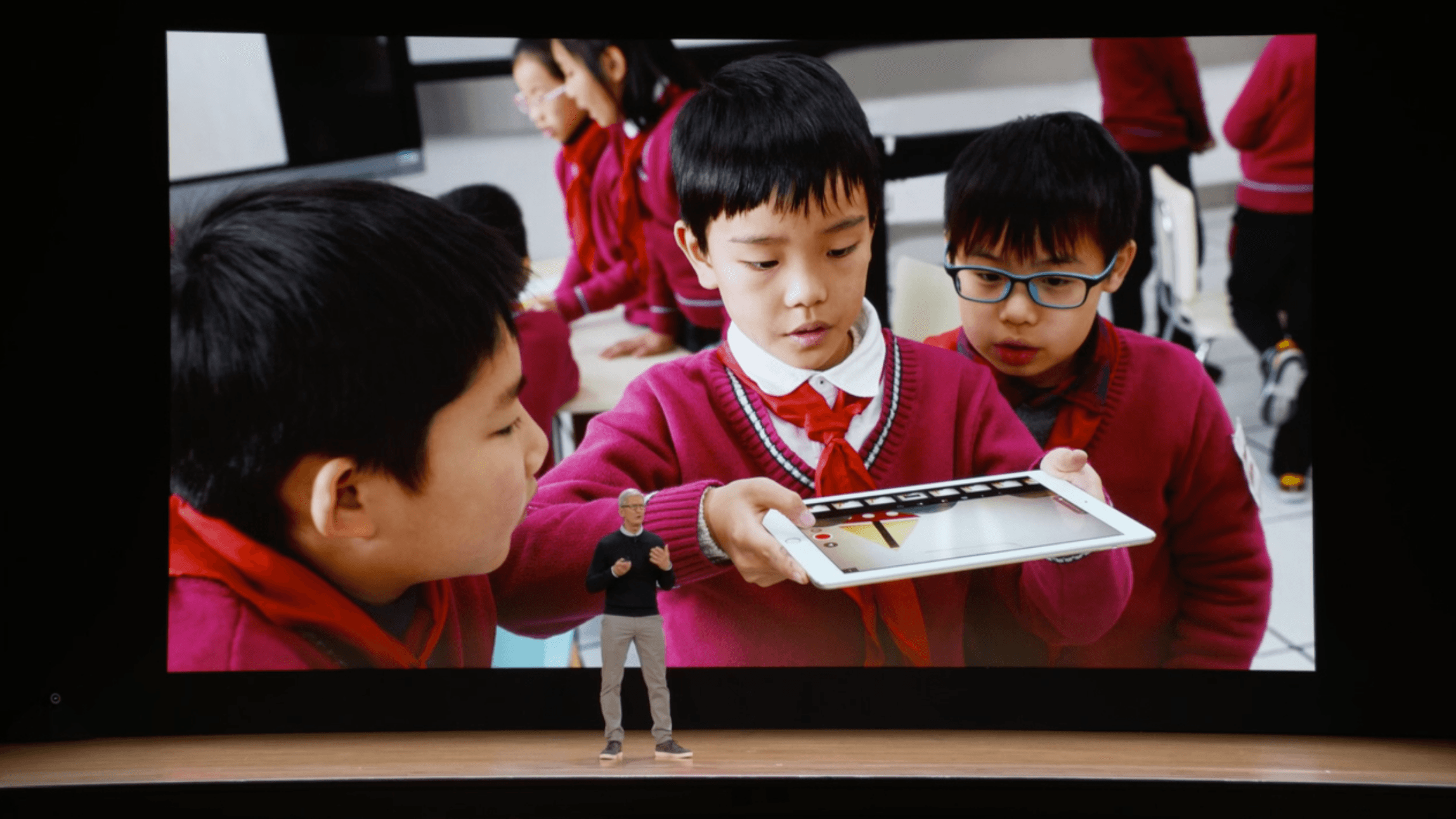 Stop Motion Studio was showcased by Apple CEO Tim Cook at the Apple education event.
No accounts or logins required.
- Students open the app and start creating — no email addresses, no logins, no setup.
- Unlike most classroom tools, there’s nothing to configure before the lesson and nothing to go wrong during it.
- For younger students especially, removing the login step means more time creating and less time troubleshooting.
No prior experience needed.
- Students pick it up in minutes. The interface is visual and intuitive, so they learn by doing — not by following instructions.
- You don’t need a background in film or animation, and neither do they. It works on the first try.
Works on the devices you already have.
- iPhone, iPad, Mac, Android, Chromebook, Windows, Amazon Fire — Stop Motion Studio runs on all of them.
- No new hardware. No special requirements. If your classroom has devices, you’re ready to go.
Fully Offline.
- No uploads, no syncing, no network strain. Stop Motion Studio won’t crash your school’s Wi-Fi when 30 students try to save 4K videos simultaneously.
Privacy 100%. No student data. Ever.
Stop Motion Studio is built so that student work stays exactly where it belongs — on the device. There are no accounts, no logins, and no data collection. Nothing is uploaded, tracked, or shared with third parties.
✔️ Fully offline — nothing leaves the device.
✔️ No ads, no tracking, no third-party sharing.
✔️ Designed to meet COPPA and FERPA expectations by not collecting student data.
With Stop Motion Studio, you can focus on teaching and creating — without worrying about privacy or compliance.
Read our full privacy policy →
Stop Motion Studio in Action
Programs like Creator Camp → use Stop Motion Studio to shift students from passive screen time to active creation — through animation, filmmaking, and LEGO-based storytelling. Creator Camp is a hands-on program for children ages 5–13 built around a single idea: that kids learn more by making things than by watching them.
Stop motion sits at the center of that approach. In just a few sessions, students go from “what is a frame?” to planning, building, and screening a finished short film with sound and titles.
The same process works just as well in the classroom — even within a single lesson. Students don’t need days to see results. With a clear brief, they can plan, capture, and share a complete animation in one class period.
How It Works in One Lesson
Teachers don't need to be filmmakers. Here's the whole process:
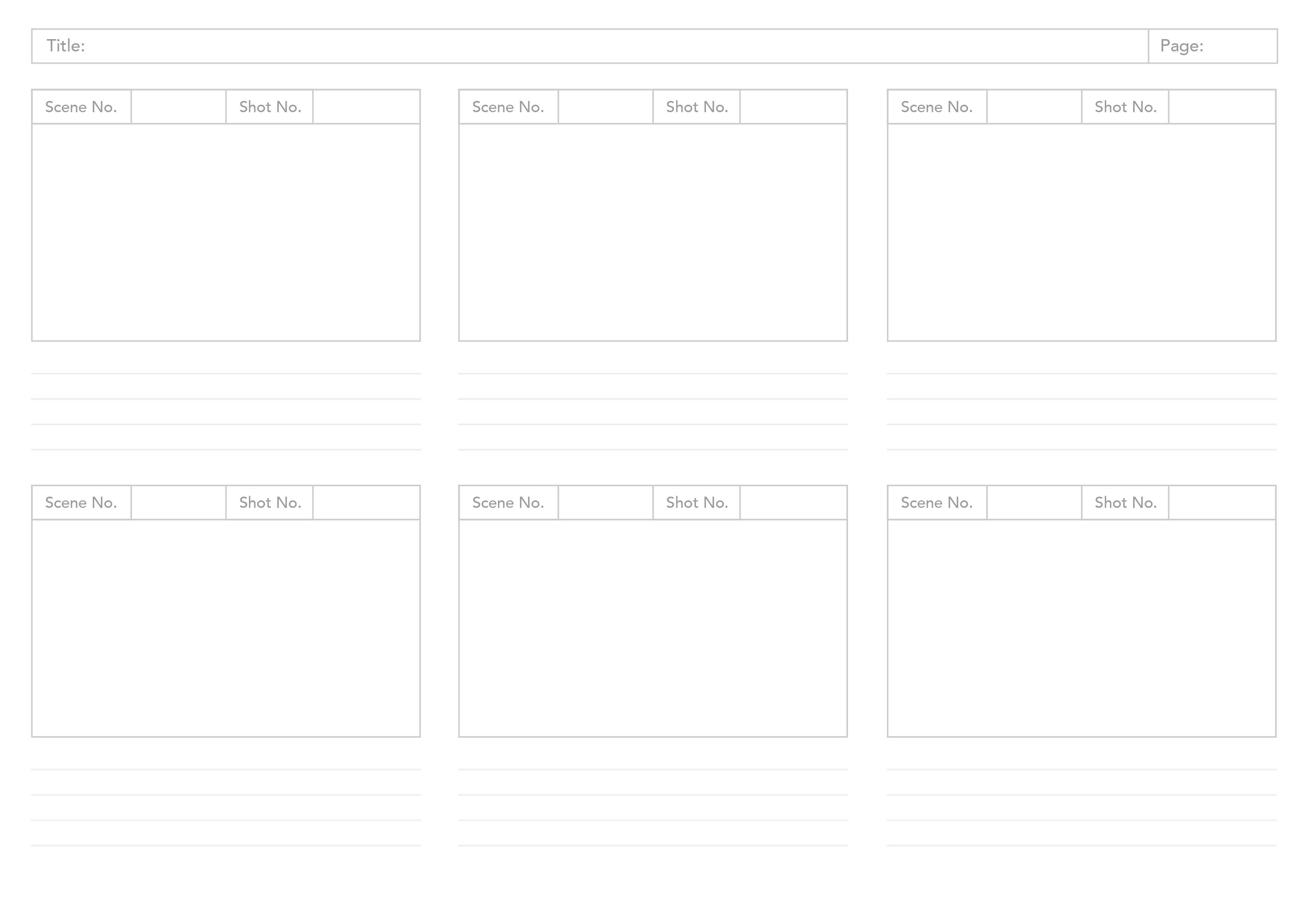
1. Plan — Students sketch a storyboard (10–15 min). What will happen in each frame? Use our free printable template ↓.
2. Build — Set up the scene with whatever's available: paper cutouts, LEGO, clay, objects from the classroom.
3. Capture — Move the subject slightly, take a photo. Repeat. The app handles the rest — onion skinning shows the previous frame so students line up each shot precisely.
4. Share — The app exports a finished video. Play it to the class, drop it into a portfolio, or submit it as an assignment.
That's it. Most classes produce a finished animation in a single 45-minute session.
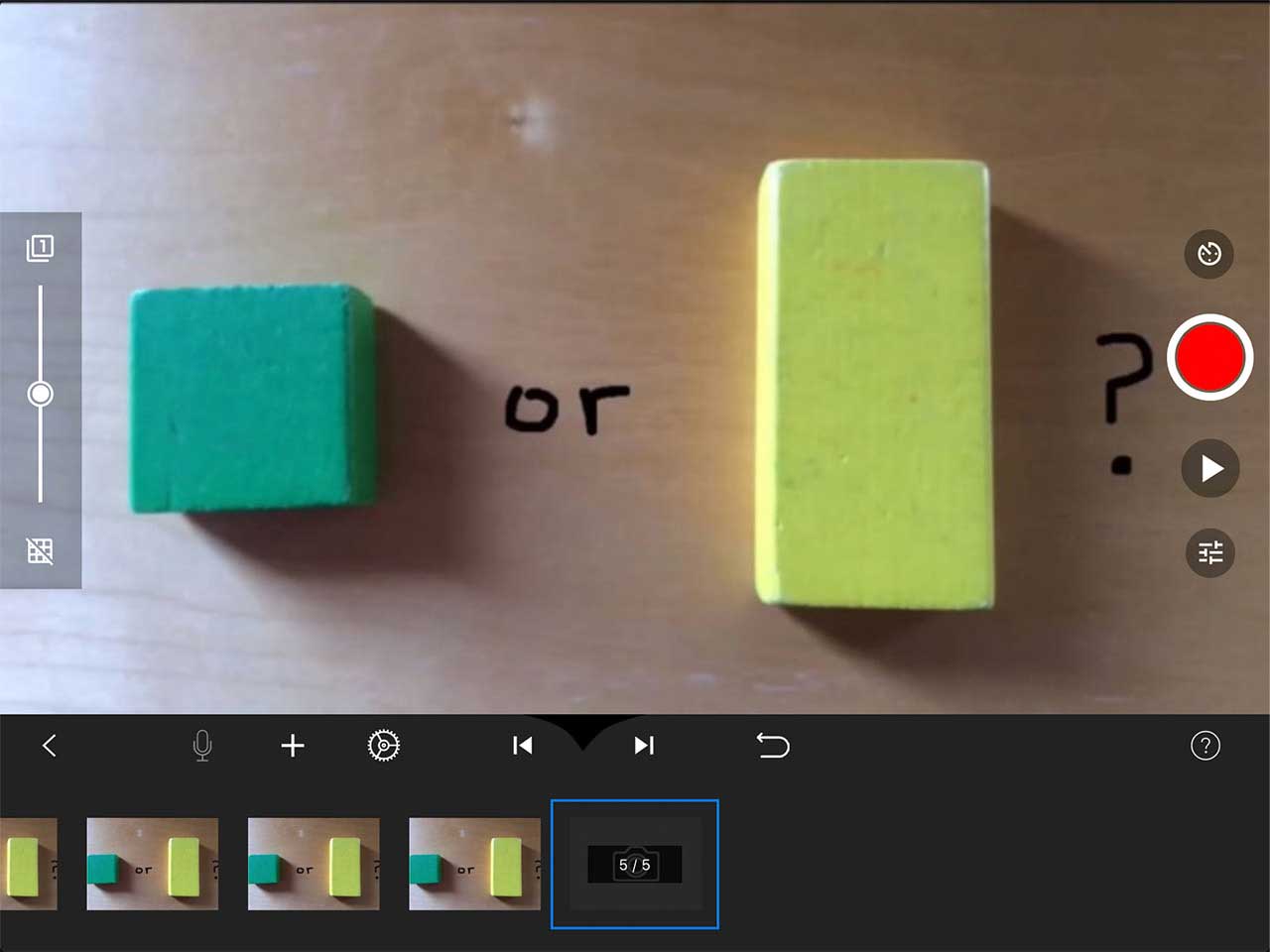 Are You a Square or a Rectangle?
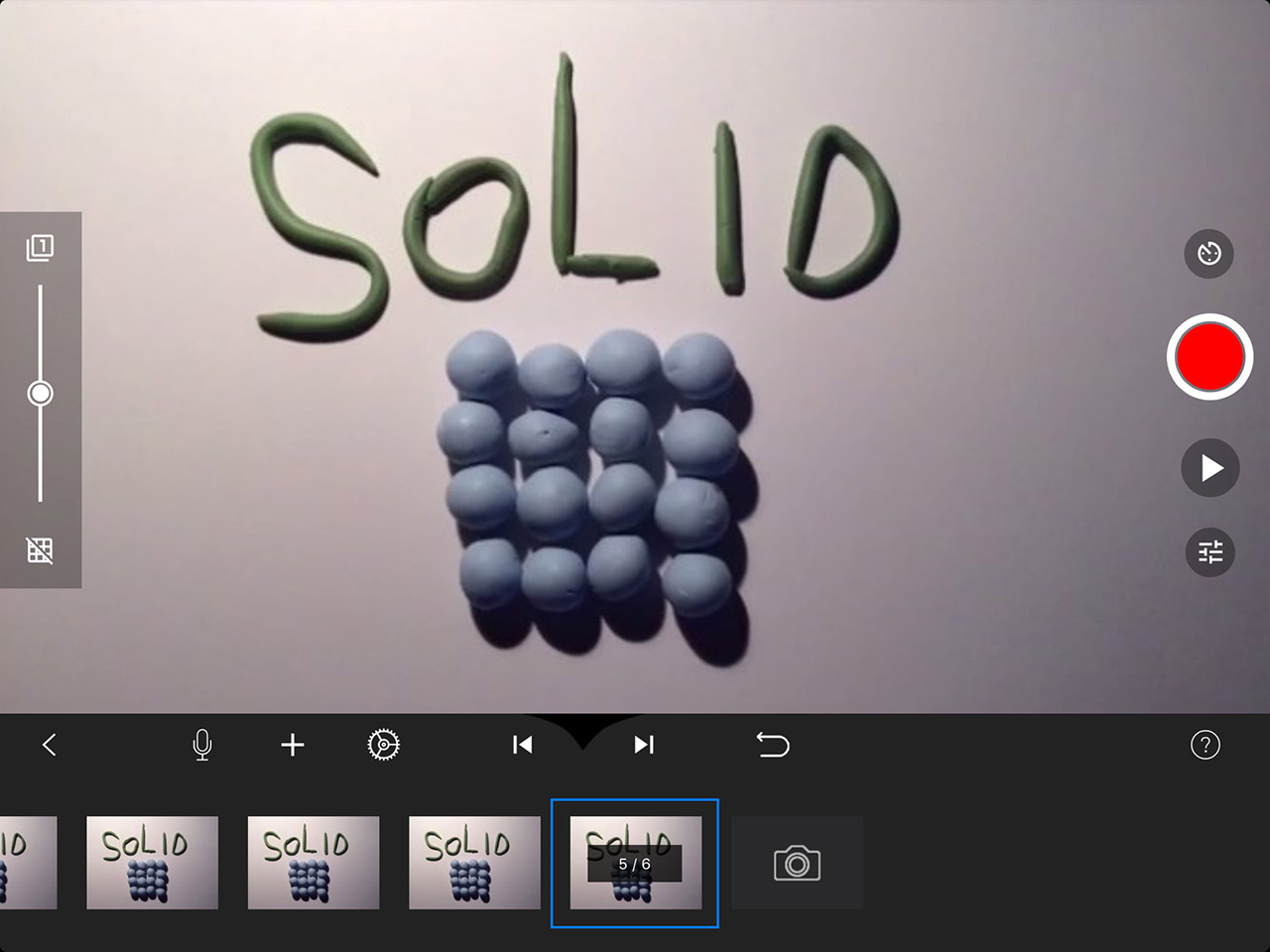 States of Matter
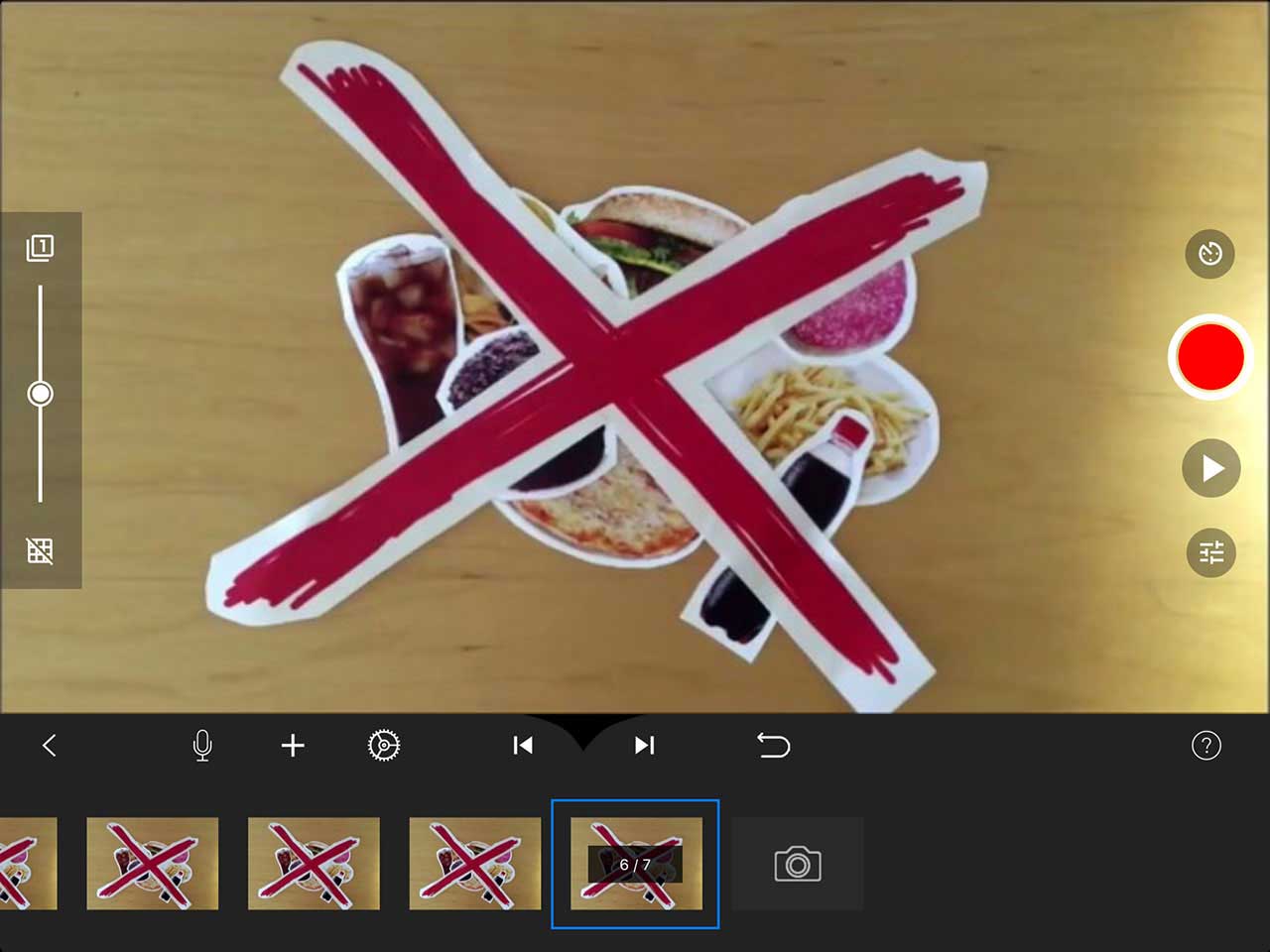 Food for Thought
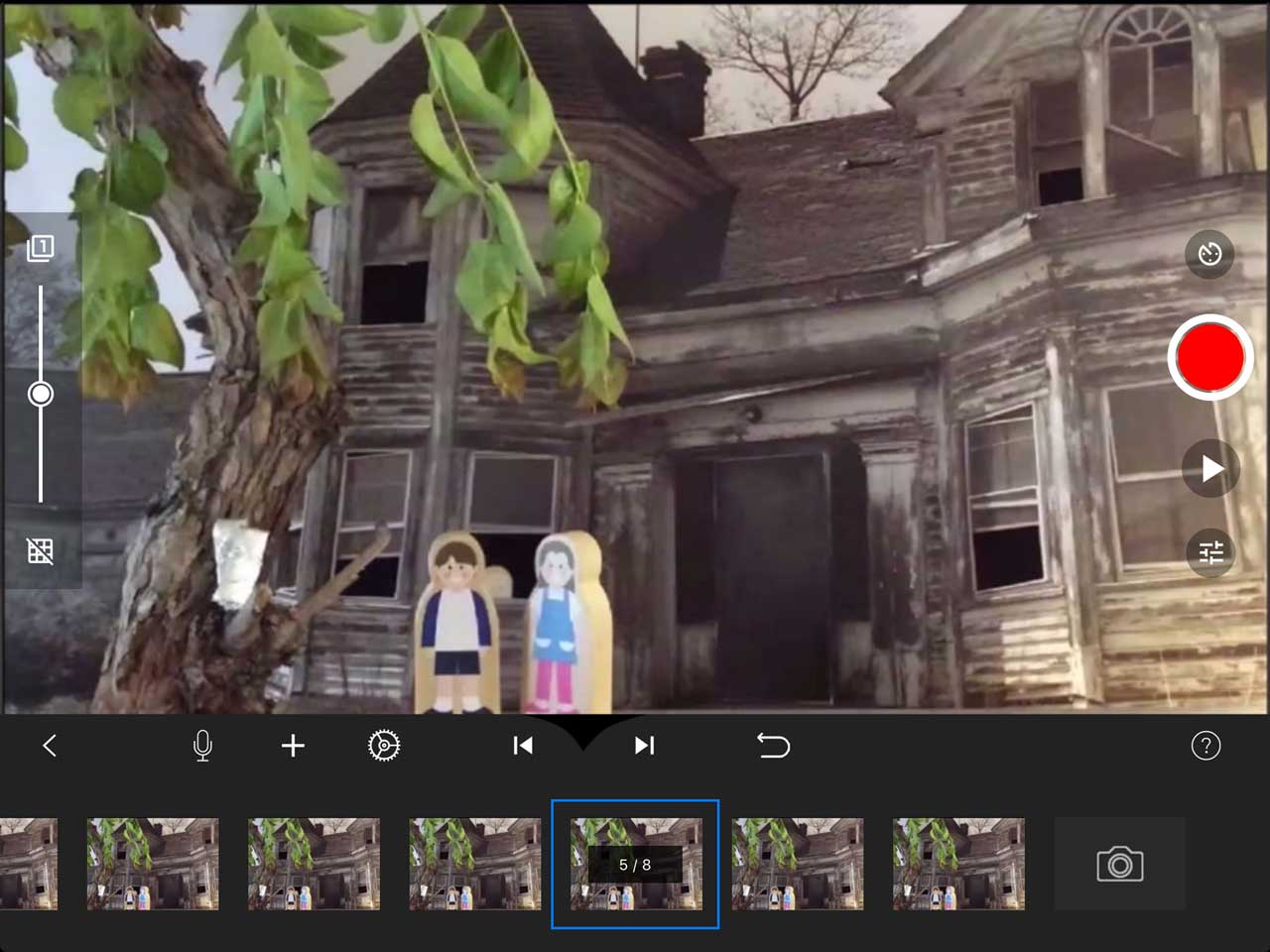 Sneak Peek
Students Learn by Creating, Not Consuming
Whether a student thrives visually, creatively, or through hands-on making, animation draws them in. Stop Motion Studio is used across K–12 in subjects ranging from science to language arts to history — and it works equally well on a $200 Chromebook or an iPad.
- Students explain, not just recall: To animate the water cycle, a student has to sequence every stage correctly. The act of making forces deeper understanding than reading or note-taking.
- Works across every subject: Science, math, literacy, history, art, music, health — lesson plans are ready to use below.
- Supports STEAM goals: A natural fit for Science, Technology, Engineering, Arts, and Mathematics programs.
- No tech barriers: Students dive in within minutes. No animation background needed — for you or them.
Student Outcome Data
This maps directly to what the research on project-based learning consistently shows. Four peer-reviewed studies funded by Lucas Education Research — conducted across U.S. public schools — found that rigorous project-based learning produces strong, positive effects on student outcomes across grades and subjects. Lucas Education Research
"Stop Motion Studio gives students a captivating outlet for their creative ideas and voice. And during the production process, it introduces them to sophisticated concepts such as time, storyboarding, audience, and citizenship, even at the youngest elementary age." — scarsdaleschools.org
"In the Social Studies classroom students can move figurines across the screen to show a historical event in action. In the Math classroom students can use virtual manipulatives to model the solution to a math problem." — classtechtips.com
Ready-to-Run Lessons
Short, practical classroom activities. Each one can be run in a single lesson with clear outcomes.
🔬 Science
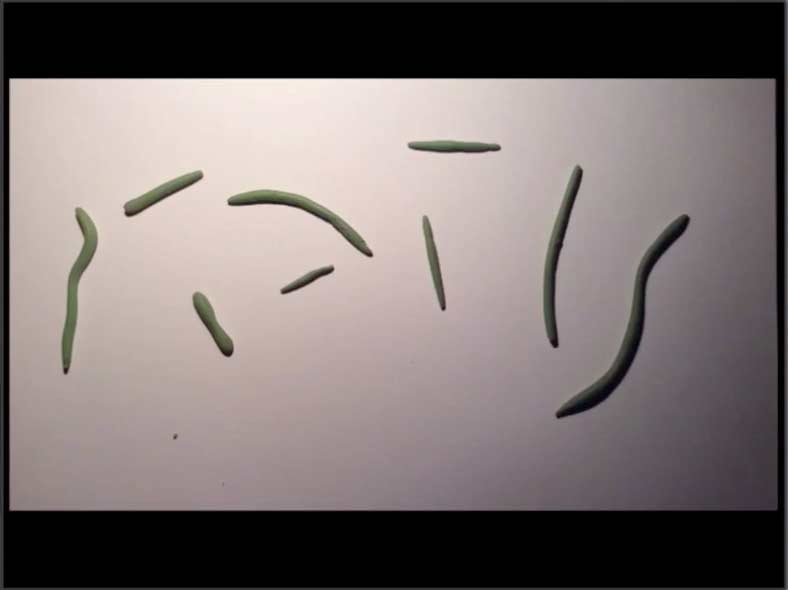
States of Matter
Students animate how solids, liquids, and gases change state.
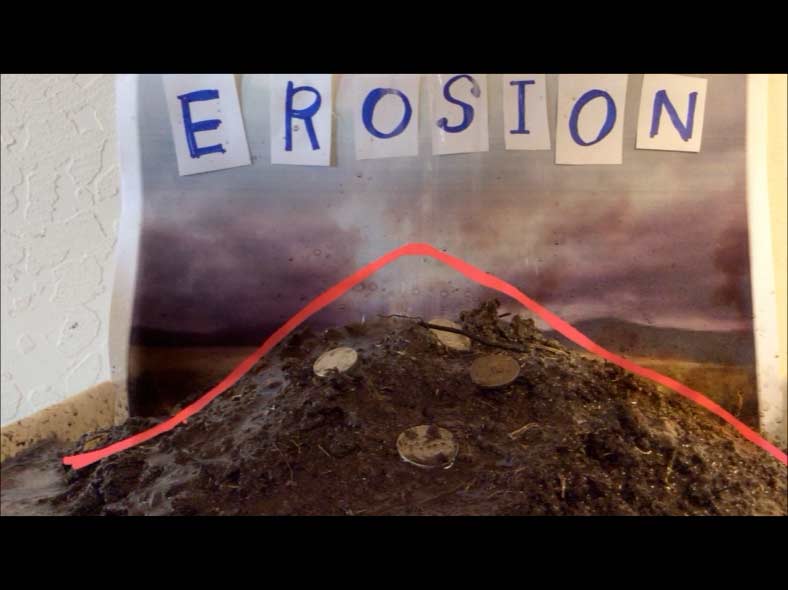
Erosion
Show how landscapes change over time through animation.
🔢 Mathematics
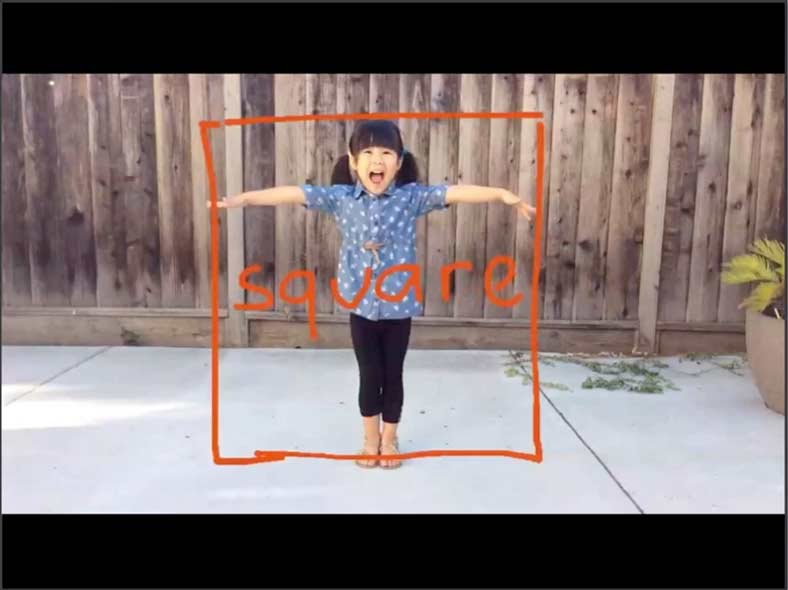
🥗 Health & Physical Education
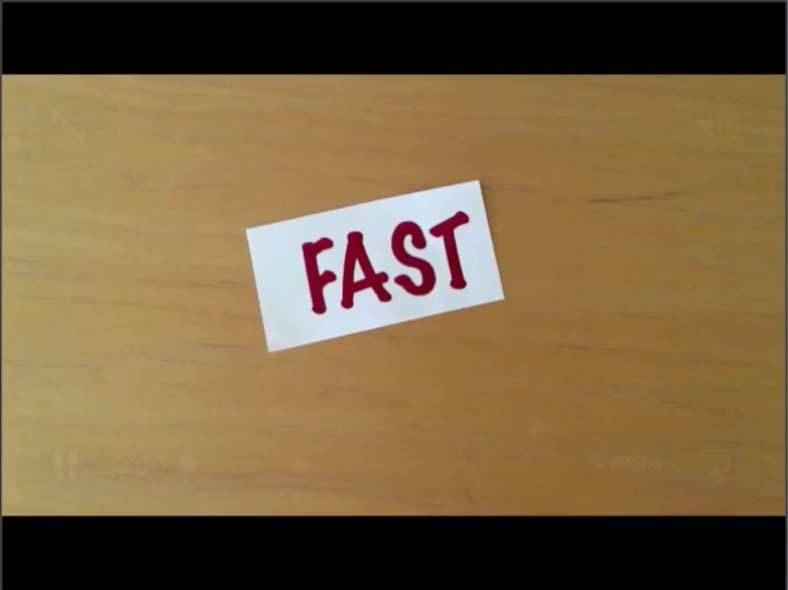
📖 Language Arts & Literacy
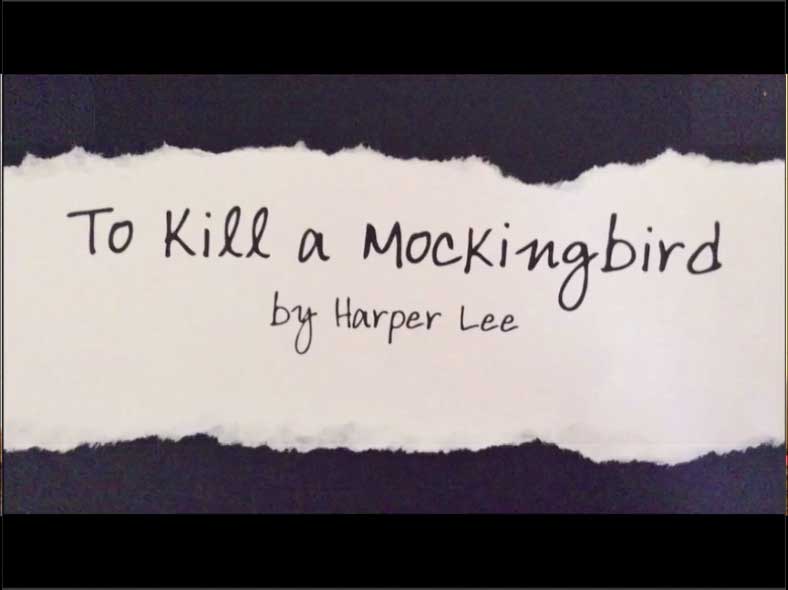
🏛️ Social Studies & History

Tips for the Classroom
A few things that make a real difference.
- Start with a storyboard. Five minutes of planning saves thirty minutes of reshooting. Use our free printable template below — students who storyboard first consistently produce better animations.
- Set a clear brief. "Animate the water cycle in 20 frames" is more productive than "make an animation about science." Constraints focus creativity.
- Work in small groups. Two or three students per device keeps everyone active — one directs, one moves the subject, one captures. Roles naturally rotate.
- Embrace imperfection. Shaky frames and visible fingers are part of the charm. Lower the stakes and students take more creative risks.
- Screen the results. A short class screening at the end of a project — even just playing each animation once — gives students a genuine audience and raises the quality of everyone's work.
Resources
Everything you need to get started — and go further.
Tutorial Videos — Short, practical walkthroughs for every feature. Ideal for projecting during class setup. Watch Tutorial Videos
App Manual — Detailed reference for all features, with tips for more advanced projects. Read the Manual
Printable Storyboard Template — Six-frame A4 landscape template. Print a class set before your first project and students will thank you. Download Storyboard Template
DIY iPad Stand — A step-by-step guide to building a stable, low-cost cardboard stand from a single sheet — ideal for keeping the camera steady during frame-by-frame capture. Build a Cardboard iPad Stand
Pricing at a Glance
Discounted rates for educational institutions across all platforms.
| Platform | EDU Discount | Single License | Site License (up to 500 students) |
|---|---|---|---|
| iPhone & iPad | Yes | via Apple School Manager (VPP) ↓ | Not available |
| Mac | Yes | via Apple School Manager (VPP) ↓ | Not available |
| Android & Chromebook | Yes | Not available | ✅ Buy Site License |
| Windows 10/11 | Yes | Buy single license 50% off 21+ licenses (use code WINEDU50) | ✅ Buy Site License |
No surprise costs
✔️ One-Time Purchase.
✔️ No Subscription.
✔️ No Monthly Costs.
Pay once and it's yours — no recurring fees, no license renewals, no budget surprises mid-year.
Try before you buy
A free version of Stop Motion Studio is available on mobile platforms. Try it free →
Technical Specifications
View technical details for IT departments
| Category | Details |
|---|---|
| Platforms | iOS, iPadOS, macOS, Android, Chromebook, Windows, Amazon Fire |
| Min. OS | iOS 16+, macOS 13+, Android 9+, Win 10/11, ChromeOS |
| Deployment | Supports VPP/MDM deployment (Apple School Manager, Google Admin, Windows tools) |
| Accounts | Not required |
| Internet | Not required (fully offline capable after installation and activation) |
| Data Storage | All projects stored locally on device |
| Cloud / Sync | Optional |
| Student Data Collection | None |
| Ads / Tracking | None |
| In-App Purchases | None in EDU versions |
| File Export | MP4, MOV, Animated GIF, 4K, image sequences, project |
| Camera Access | Required for capture |
| Camera Support | Build-in, DSLR, USB-Webcams, Remote Camera |
| Microphone Access | Optional (for audio recording) |
| Permissions | Standard media and storage access only |
| Updates | Distributed via platform app stores, Manually |
Discounted Bulk Purchase
Equip your whole classroom or school — affordably, on any device.
Stop Motion Studio is compatible with iPhone, iPad, macOS, Windows, Android, Chromebook, and Amazon Fire — so whatever devices your school already has, you're covered.
Apple (iPhone, iPad, macOS)
The full-featured version is available at educational pricing through the Apple School Manager (VPP). No in-app purchases. Search for Stop Motion Studio Pro (pink icon) directly within Apple School Manager.
Standalone Installer
The macOS version is also available as a standalone installer for schools not using Apple School Manager.
Android & Chromebook
A dedicated EDU version includes all features with no in-app purchases. It can be deployed via Mobile Device Management (MDM) to all devices at once.
School Site License
Site licenses cover up to 500 students. For larger schools, purchase one additional license per 500 students.
Windows
Available as a direct installer with full features and no in-app purchases. Deployable via device management tools.
50% off for schools
Purchase 21 or more Windows licenses and enter promo code WINEDU50 at checkout to save 50%.
School Site License
Site licenses cover up to 500 students. For larger schools, purchase one additional license per 500 students.
Get Started Today
Run your first animation lesson with Stop Motion Studio — no setup, no accounts, no subscription.
Try it yourself first
Install the free version on your own phone or tablet and make a short test animation in ten minutes. When you're ready for your class, get the school version.
What’s included
The free version lets you see how Stop Motion Studio works before you buy. Frame-by-frame capture, onion skinning, and video export all work.
For regular classroom use, the school versions add:
- No in-app purchases. Students never see an upgrade prompt.
- No watermark on exported videos.
- Green screen, sound effects, and the music library.
- 4K export and advanced tools such as rotoscoping.
- Deployment through Apple School Manager, MDM, or device management.
One purchase covers it: no subscription, no renewals. View pricing for your school →
Or explore further:
- Download a lesson plan — Print-ready plans with storyboard templates, step-by-step instructions, and outcomes. Browse Lesson Plans ↑
- View pricing for your school — Bulk pricing, site licenses, and deployment options across all platforms. View Pricing ↑
Questions? We’re here to help.
For bulk purchase quotes, deployment guidance, or anything else, our team is happy to help.