App Settings
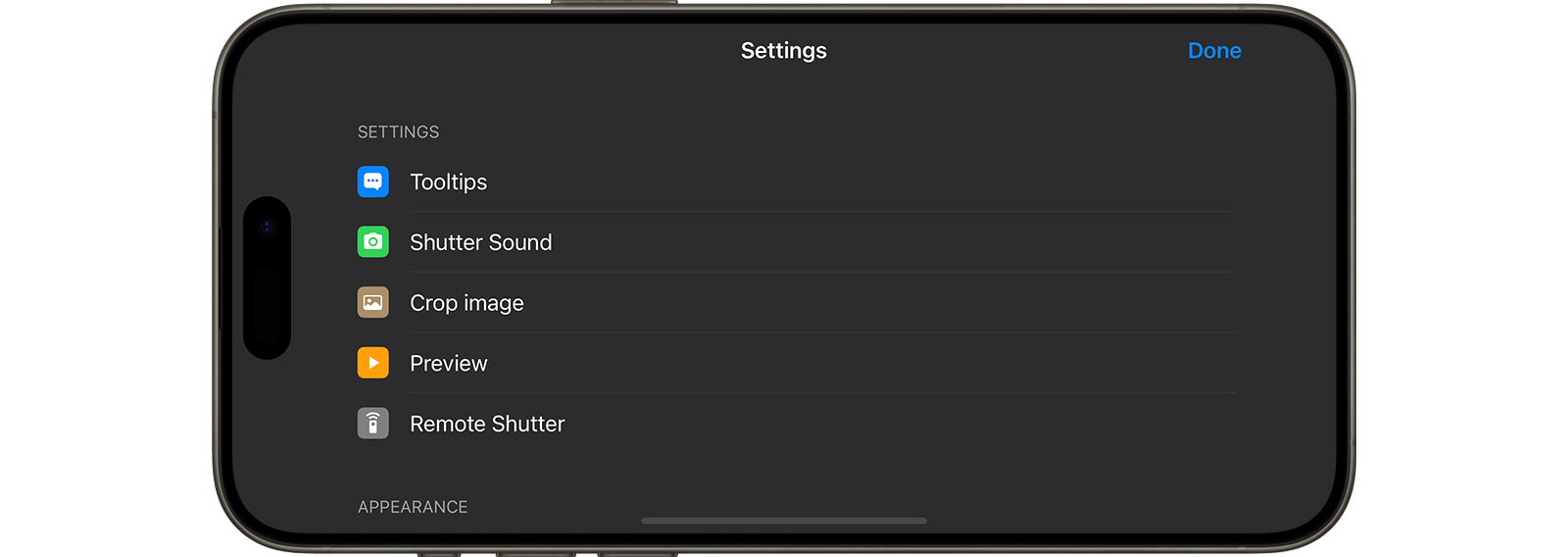
Enhance your Stop Motion Studio experience by customizing app settings to suit your preferences. Adjust preview quality, backgrounds, and project preferences to tailor your creative workflow.
To access app settings:
- Navigate to the project browser and press the settings icon
 .
. - Explore options to modify app settings, project preferences, app appearance, and more.