The App Is in the Wrong Language?
If the app is displayed in the wrong language, you can change it manually.
For iPhone and iPad Users:
- Open Settings: Open the Settings app on your device.
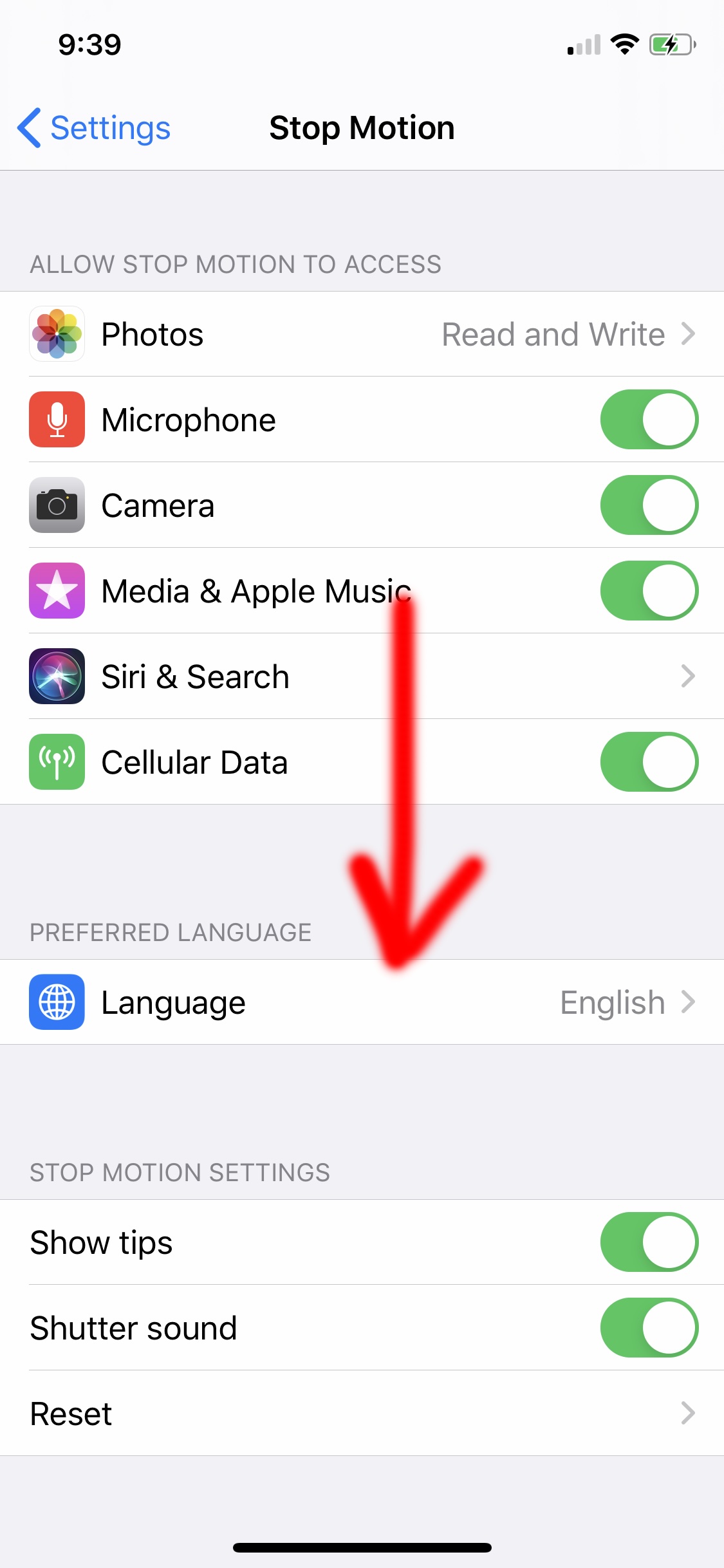
- Find Stop Motion Studio: Swipe down until you see Stop Motion Studio.
- Access Language Settings: Tap Stop Motion Studio to see all available settings.
- Select Language: Tap Language to see all available languages.
- Choose Your Language: Tap the language you would like to use for the app.