Keypad Support
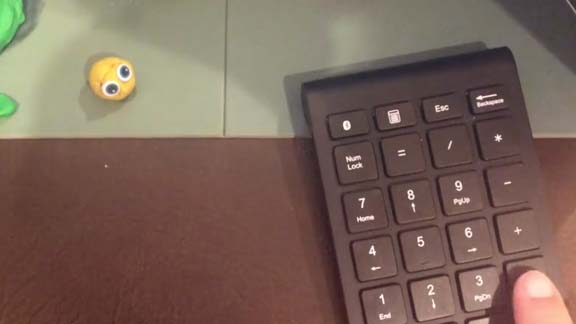
Stop Motion Studio offers compatibility with various external keypads, enhancing your control options. You can connect these keypads to your device using either a USB or Bluetooth connection. Utilizing an external keypad enables you to maintain control over Stop Motion Studio while being closer to your scene, facilitating a smoother and more efficient workflow.
 Play (0): Preview playback.
 Previous Frame (1): Go to the previous frame.
 Next Frame (2): Go to the next frame.
 Live(3): Jump to live camera view.
 Toggle(5): Toogle between the current frame and the live camera view.
 Short Play(6): Enables or disables short playback.
 Pause at the End (7): The preview will include a black screen for three seconds at the end of the playback.
 Loop Playback (8): The preview will not start from the beginning after the playback has finished.
 Shoot (Enter): Capture a frame.
 Delete (Backspace): Delete the current frame.
 Mute (/): Mute preview playback.